


From indoor/outdoor differences to pixel pitch, brightness,viewing distance, and size, we explain the basicsfor selecting the best product for your site.
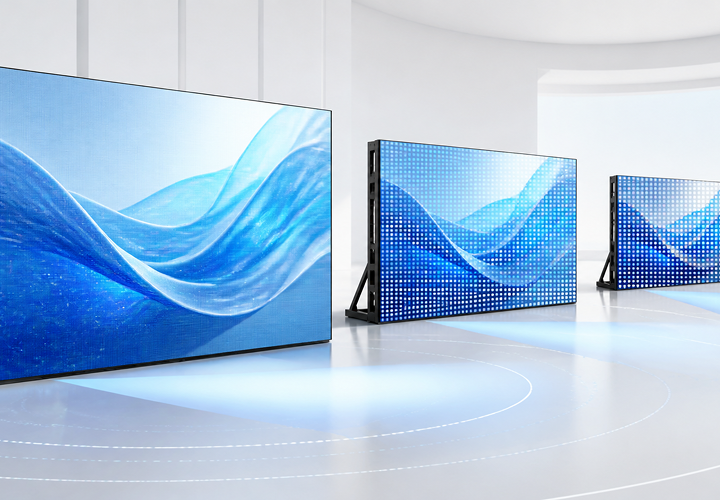
 What is an LED Display?
By arranging tiny LED elements to display images, it easily scales up and excels in brightness and outdoor durability.
 Flexible screen size configuration
Easy to view outdoors and in bright locations
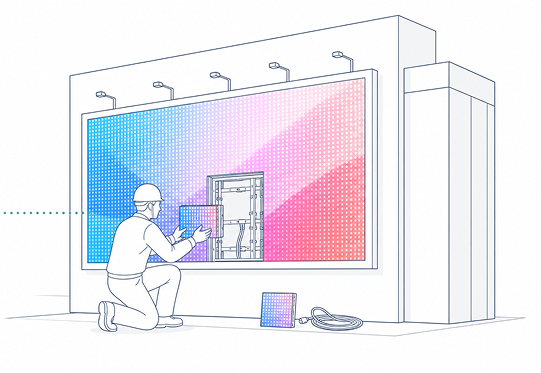
Installation and maintenance in module units
 Differences Between Indoor, Outdoor, and See-Through LEDs
Key characteristics to emphasize vary depending on the installation environment
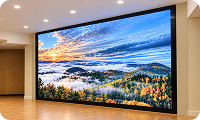
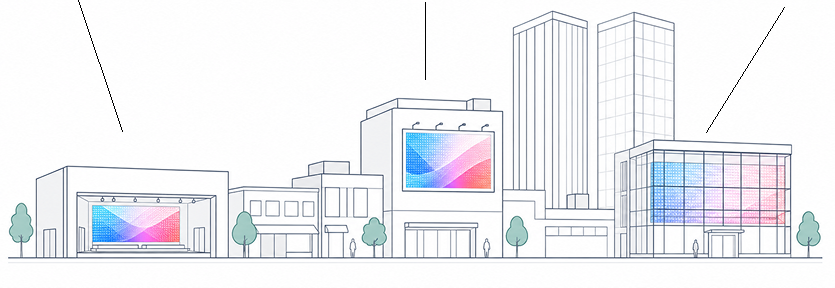
High-definition display at close range. For commercial facilities and halls.
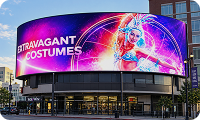
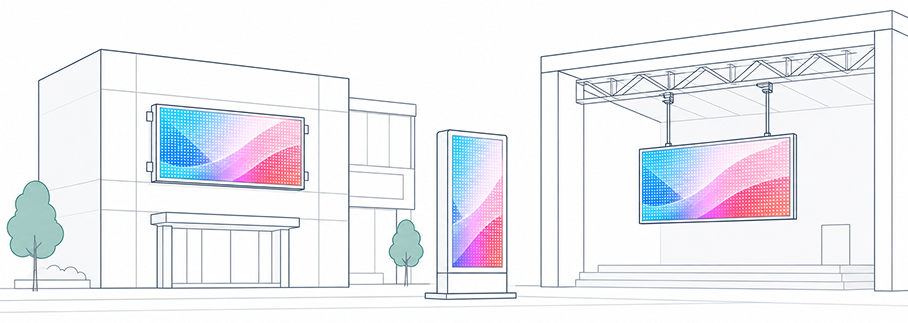
High brightness with waterproof and dustproof features. For exterior walls and advertisements.
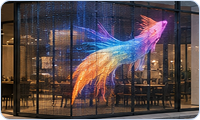
Displays content while maintaining window transparency.
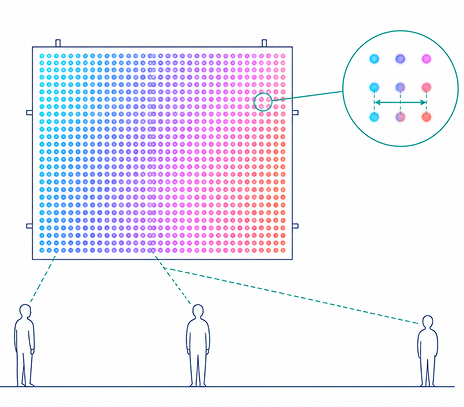
 What is Pixel Pitch?
The distance between LED elements. Smaller numbers mean higher clarity at close range, but making it unnecessarily small increases costs.
P2.6: Guide for close range & high definition
P3.91: Widely used in stores and events
P6.67 or higher: Guide for large scale & long distance

 How to Choose Brightness and Clarity
Required brightness varies for indoors, windowsides, outdoors, and under direct sunlight.
External light can wash out images; check installation direction and brightness by time of day. Consider anti-reflection measures.

Since ambient light can cause the display to look washed out, we will verify the installation orientation and brightness at different times of day, as well as consider anti-reflection measures.
Requires high brightness visible under direct sunlight and waterproof/dustproof performance. Choose pitch matching viewing distance.
Determine resolution from viewing distance and displayed content. Choose pitch and brightness matching text volume or video.
 Determine Size Based on Viewing Distance and Content
Check viewing distance, text volume, video, and aspect ratio, not just the installation area.
| Verification Item | Key Points to Check | Example |
|---|---|---|
| Viewing Distance | Closest and farthest positions | 5m/20m/50m |
| Display Content | Text, photos, videos | Guidance/Advertisement/Live video |
| Screen Ratio | Match with content materials and installation surface | 16:9/Portrait/Landscape |
| Installation Surface | Width・height・load | Confirm with blueprints and site photos |
Choose by Installation Location Check suitable types based on the purpose and precautions of each location.
We prioritize visibility from both the aisle and inside the store. Selection will be made taking into account color accuracy and installation space.
We will evaluate options based on intended uses, such as facility guidance and events. Quiet operation and visual performance during camera shooting will also be verified.
Emphasize daytime brightness and long-distance visibility. Also check waterproof/dustproof, wind pressure, and maintainability.
Display scores and live footage on a large screen, taking into account viewing angles from the audience seating and video latency.
We prioritize adaptable reconfigurations tailored to the venue, as well as ease of transport and setup. Safe installation methods will also be verified.
Transparent LEDs that maintain natural lighting are candidates. Select after checking transmittance, weight, and mounting methods.
 Looking beyond the initial equipment cost to consider setup and ongoing operations
When comparing LED displays, evaluate the total cost including expenses beyond the main unit
| Cost items | Content | Time of verification |
|---|---|---|
| Main unit and control equipment | Panels, controllers, etc. | During product selection |
| Transportation & Construction | Shipping, mount, installation, power work | After site survey |
| Video & Operation | Content creation, distribution & operation | At operational design |
| Maintenance | Inspection, parts, repair response | At contract signing |
Until Finding the Optimal Unit Beyond documentation, we conduct actual product comparisons and site surveys as needed.

Check purpose, distance, and budget

Compare multiple products
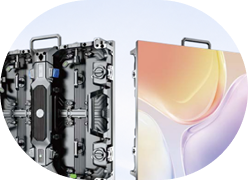
Showroom & site survey
Determine total cost and support structure
From product selection, installation, rentals, manufacturer partnerships
Hours: 9:00–18:00 (Excluding weekends & holidays)